
Training
Here we offer more information about the general approach of training. Training can be done face to face or online with a strong preference for a face to face training as it has better retention of knowledge and increases the buy-in of trainees.
Training can be given at the Yenlow headquarters in Schiphol-Rijk, the Netherlands, when it is WSO2 or Boomi training or at the client site or venue if that is required. The benefit of using the Yenlo headquarters is that we have a complete training room with external screens.
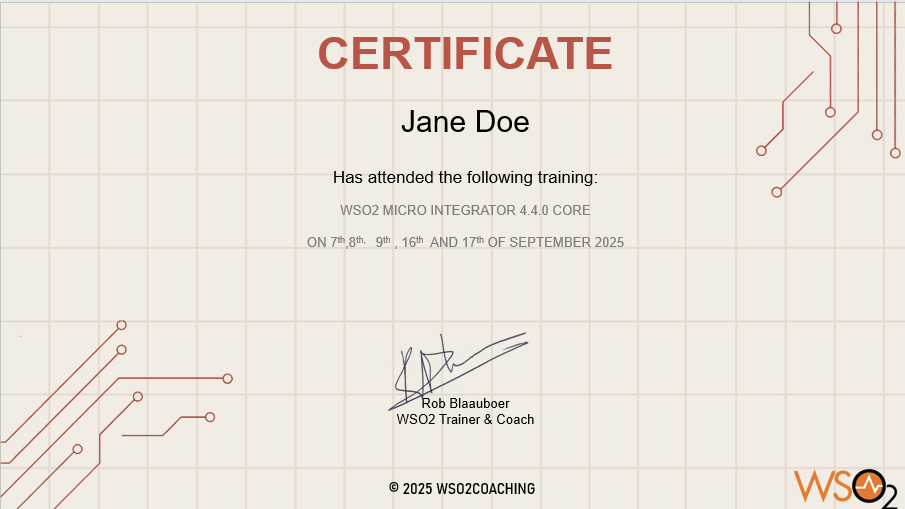
It’s also possible to do training on site and I’ve actually trained people in the United States as well as Germany, Austria Switzerland, Poland, and other European countries.
Training content
We will use confluence for the training material. Trainees will get access to the environment with their own email address and can access the material as long as the training lasts.
You can find the open page on Confluence here
Typically the training material will be elaborate at start as trainees need more guidance than later on in training. The number of screenshots and elaborate instructions will become less When the training progresses.
During the training Trainees will get assignments that that will force them into utilising the knowledge they gained until that time. Without the guidance of screenshots and explanation This will cement their knowledge and experience and will make them into better integration consultants.
Languages
Training can for the spoken part be given in the following languages:
- English
- German
- Dutch
The training material will stay in the original English language. But explanation and the actual teaching will be done in either of the three languages where we switch to English in a mixed group with multiple speakers.
AWS
For WSO2 training we use an Amazon image running in frankfurt For the training of the API Manager and the Identity Server. Access to this environment is done via the NoMachine client that is either a download or can be used in a browser if downloading is not an option due to company policies.
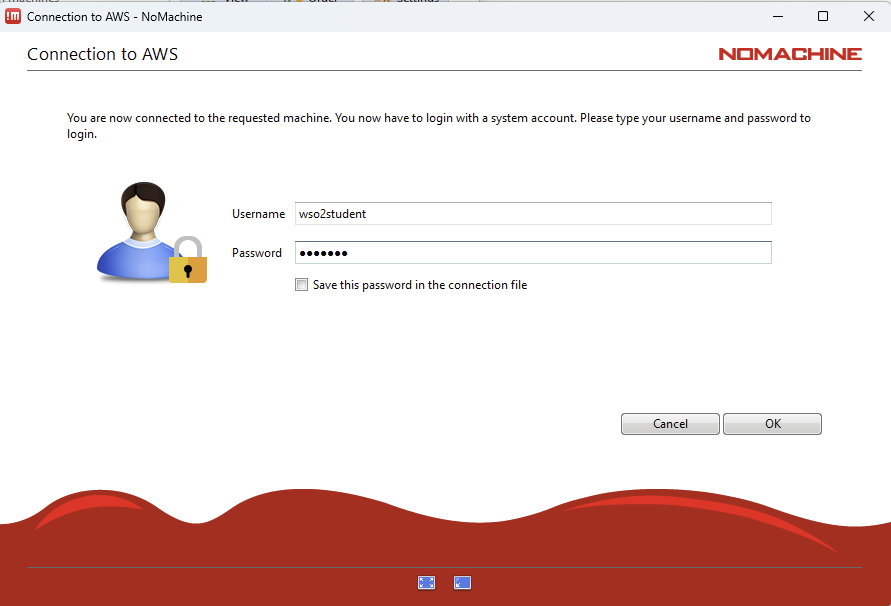
The reason why we chose to have an environment running in the cloud is that we have a stable environment that we can use and where we have all of the tools and elements of the training at our disposal .
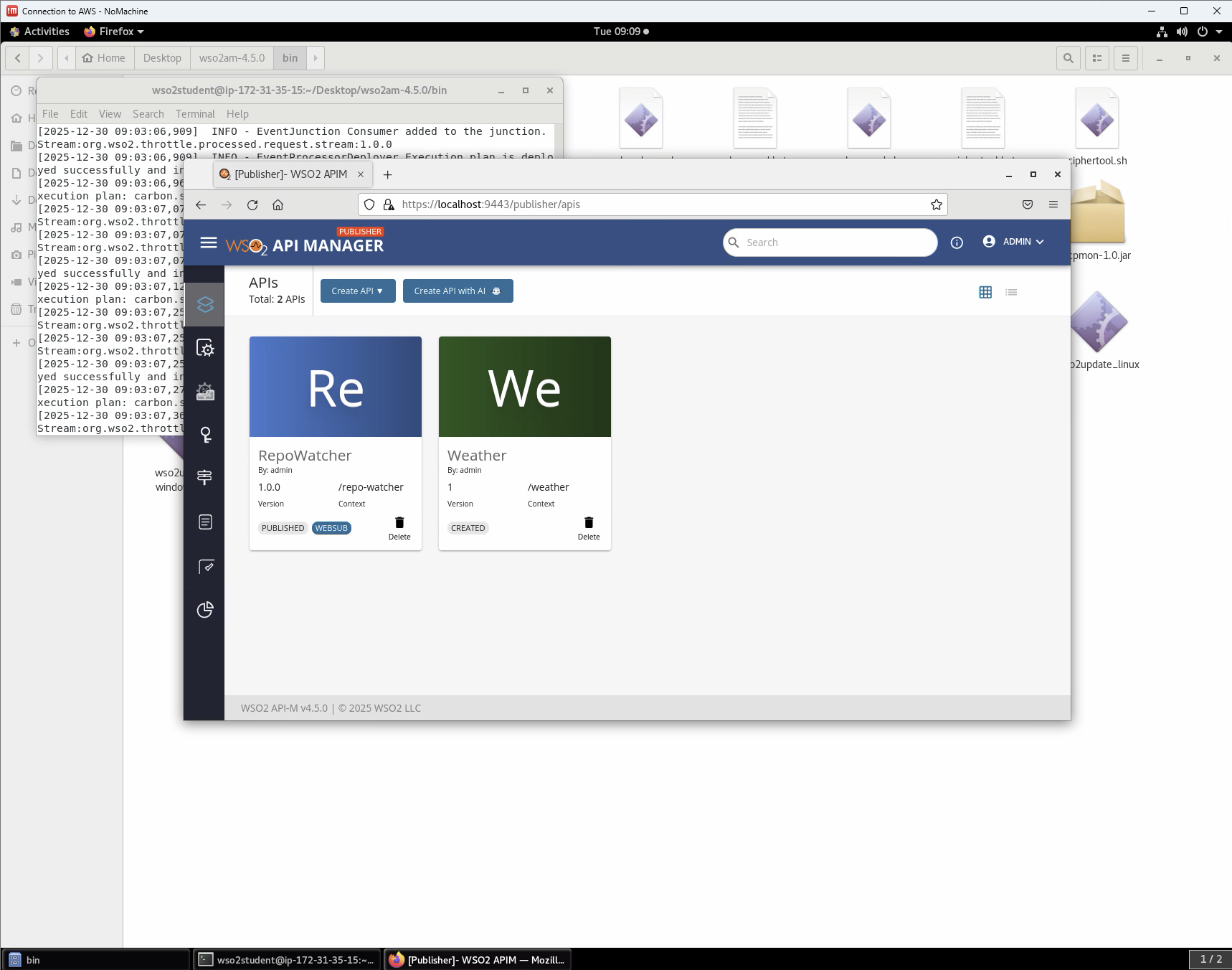
NoMachine will give you an environment that looks like an actual desktop but it is a remote desktop Making a connexion to AWS.
In order to be able to use those machines we need to add the IP of the network to the security list in order to gain access to the AWS instances. part of the preparation for training is also to cheque whether on the trainee’s machines they are able to access the environment on their machines.
NoMachine uses a number of ports that in some cases need to be opened up when there is a VPN connexion that is very tightly closed off.
Local install
For the Micro Integrator 4.4.0 and Higher we use a local install With VS Code as this is the IDE that is teamed with the product.
Coaching
Over the last 10 years I have found that in training there is a limited amount of information that you can give to the trainees and that they can also actually absorb. Although you would like to tell more about the product It is really counterproductive because learning a new skill or product is quite a challenge.
For WSO2 Two products I’ve developed coaching material that will take integration consultants basic skills that they acquired during training and build on it with a weekly assignment and short teams call in order to discuss the assignment and any obstacles they found when doing it. In this way we can actually build or continue to build their knowledge and skill set without running the chance to overburden them with information.
We currently have coaching for the WSO 2 Micro integrator, both the Integration Studio and Visual Studio Code versions.